
elvex 101: How elvex Works with Generative AI

This is the second post in our series on generative AI with elvex. Last time we covered what generative AI is and how it works. This time we’ll show how elvex brings that technology into your business and points it at your goals.
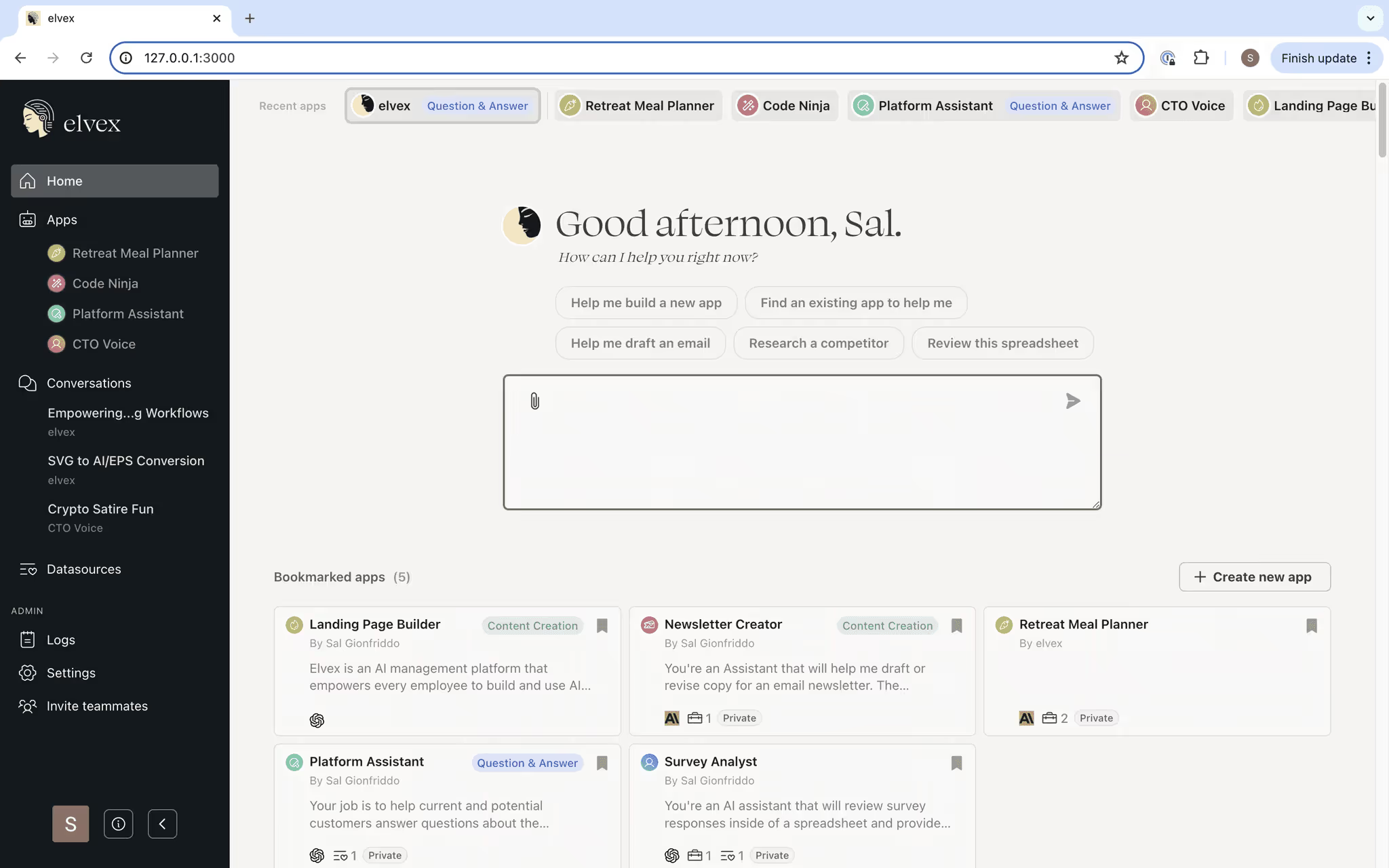
We think generative AI should be easy to use and worth using for everyone in a company, not only engineers. Here’s how elvex puts it to work in your day-to-day:
1. Powerful AI Models
elvex connects to the major generative AI providers, whose models were trained on huge amounts of data (i.e. OpenAI, Anthropic, Mistral, etc). These models understand and write text much like a person does, which makes them useful for all sorts of business work. In elvex you can shape them to fit what you need, whether that’s a detailed report or a personal email.
2. User-Friendly Interface
You don’t need a technical background to use elvex. The interface is simple: a few clicks to build a custom app, add your data and start producing content. Anyone in the company can build an assistant for their own work, without waiting on IT or a developer.
3. Customization and Control
You decide what the AI produces. You can connect data sources, shape the output with your own instructions, and give feedback so the app keeps getting better. The result is an app that knows your company, understands your role and function, and gives helpful, accurate answers consistently.
4. Security and Compliance
Security and compliance matter when you bring AI into a company, and we built elvex with that in mind. Your data is protected at all times. Nothing sent or received through elvex can be used to train the AI models, sensitive information can be redacted from prompts automatically, and both admins and users get privacy settings they can adjust. elvex was built to meet enterprise-grade security standards and regulations, so you can put generative AI to work without worrying about your data.
Example Applications in elvex
Some practical ways teams use it:
- Content Creation: Write blog posts, articles and marketing copy faster. Give the app a brief or a few points plus your brand guidelines, and it writes a polished draft in minutes.
- Email Drafting: Draft professional, personal emails for clients, internal announcements or marketing campaigns. Enter the main details and elvex writes a clear email that reads well.
- Data Analysis Summaries: Turn complicated data into short summaries and findings. Upload the data and elvex writes a report that pulls out what matters.
- Product Expertise: Upload your product documentation and get detailed answers that fit each question, ready for customer-facing teams. Enter the questions you usually get, and elvex writes accurate, helpful replies.
Getting Started with elvex
This post is about how elvex works with generative AI, but here’s a short version of the setup so you can try it:
- Sign In to elvex
- Go to your Home App: Chat with it to set it up for you. Tell it about your company and your role, and give it a voice. *This app works best for 1-off tasks or requests that don’t need special instructions.
- Build A Custom App: Open the App section and choose “Create New App”
- Input Instructions: Give your app a name, a description and rules
- Data: Connect the data sources that give your app the expertise it needs
- Select Tools: Let your app search the web or analyze data
- Save & Publish
Then start using it. Try a few prompts and adjust the instructions as you go.
Conclusion
Once you know how elvex works with generative AI, you can use it to cut busywork out of your workflows and try new ideas. Explore elvex today and build your first custom AI app. In our next post we’ll cover how to write good AI prompts and instructions.